
Why Client-Side AI & Web Utilities Are the Future of Developer Productivity (40+ Free Tools)
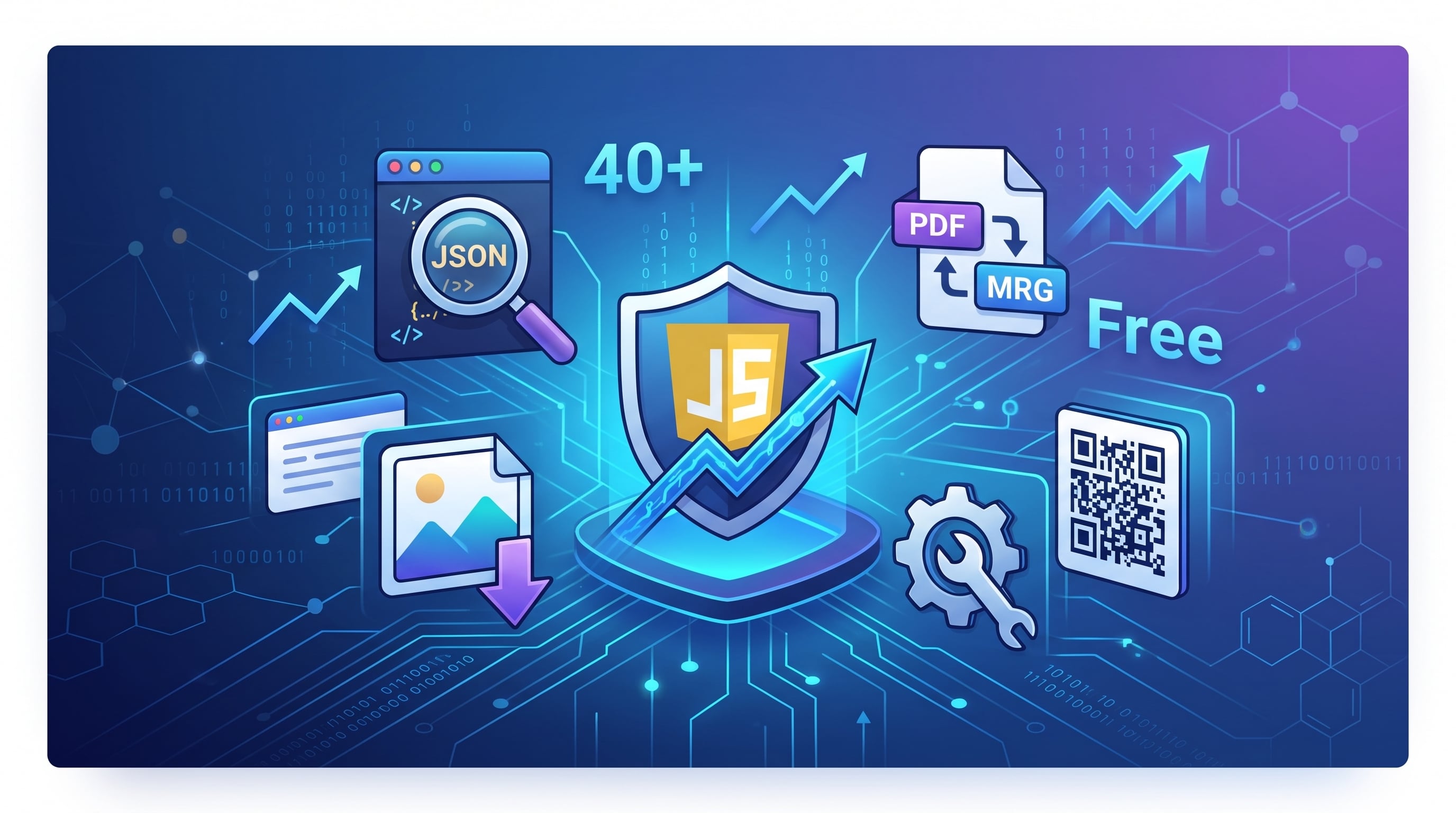
Building digital products, handling content pipelines, and shipping code quickly often forces us into an annoying daily routine: signing up for five different single-purpose websites just to compress an image, convert a PDF, format JSON, or generate a clean QR code.
Most of these everyday online utilities come with hidden catches: aggressive ads, mandatory account registrations, watermarks, or worse—uploading your sensitive client files to an unverified third-party server.
Modern browser APIs and WebAssembly now make it possible to run document manipulation, data conversions, and AI workflows 100% client-side.
If you are looking to streamline your daily workflow without bloat or subscription walls, here is how modern in-browser tooling works and how you can access 40+ free utilities right now.
The Power of Client-Side Processing
Traditional online converters take your input (whether it’s a PDF document, an image, or a snippet of proprietary code), upload it across the web to a remote backend, process it, and send a download link back.
This model introduces two major issues:
Privacy & Security Risks: Sensitive code, business receipts, and private PDFs leave your machine and get stored on third-party servers.
Bandwidth & Latency Lag: Uploading and re-downloading large multi-page PDFs or high-resolution graphic assets slows down production.
By leveraging client-side JavaScript, canvas operations, and browser-native memory buffers, your machine processes data locally. Your files never hit a cloud server, ensuring zero data leakage and instantaneous outputs.
4 Essential Toolsets for Everyday Creators & Developers
To eliminate unnecessary subscriptions and boost daily productivity, you can leverage the free browser suite available at IdeaAize Free Online Tools. Everything runs directly in your browser with zero registration, zero limits, and complete data privacy.
Here is a breakdown of the core toolsets available:
1. Developer & Code Utilities
Clean code and data formatting shouldn't require installing bulky CLI packages or using insecure web scratchpads:
JSON Formatter & Validator: Inspect, validate, and beautify raw JSON responses with syntax highlighting in seconds.
Hash & HMAC Generators: Compute MD5, SHA-256, and secure checksums locally for testing APIs and verifying integrity.
Markdown to HTML Converter: Write documentation seamlessly with instant real-time live preview before committing to Git or publishing to blogs.
2. High-Performance Image Optimization
Website speed and Core Web Vitals directly dictate your search rankings. Running unoptimized graphics kills mobile load times:
In-Browser Image Compression: Shrink PNGs, JPEGs, and WebP files without quality loss or server uploads.
Multi-Format Resizing & Cropping: Adapt assets for social cards, responsive banners, or platform thumbnails instantly.
Favicon & Icon Generators: Generate complete multi-resolution favicon packs for web applications in one click.
3. Frictionless PDF & Document Management
Document processing is one of the biggest bottlenecks for freelancers and remote teams:
PDF Merger & Splitter: Combine invoices, split chapters, or extract standalone pages locally without page watermarks.
Format Conversions: Seamlessly convert between PDF, Word, and images without waiting in server queues.
Client-Side Signature Maker: Sign contracts and export clean transparent signatures directly inside your browser.
4. Smart Utilities & Business Enablers
Dynamic QR Code & Barcode Generators: Create custom, high-resolution QR codes for web campaigns, contact cards, and apps.
Color Palette & Contrast Finders: Generate aesthetic UI palettes and check accessibility compliance on the fly.
Unit & Measurement Converters: Fast, accurate calculations for international tech, design, and business metrics.
Scaling Beyond Everyday Utilities
While lightweight client-side tools solve immediate workflow friction, scaling a digital brand or SaaS requires deeper automation.
When you need heavy-duty generative workflows—such as generating 5,000-word rank-ready pillar posts, photorealistic 4K image rendering, 120+ neural voiceovers, or deploying trained customer service chatbots—the full IdeaAize AI Platform provides an integrated workspace backed by next-gen LLMs and multimodal engines.
Wrapping Up
Bookmarking high-utility, privacy-respecting platforms saves dozens of hours every month. Instead of giving away personal emails or juggling separate monthly plans for everyday file tasks, test the full collection of browser-based utilities at freeaitools.ideaaize.com and keep your workflow clean, fast, and secure.